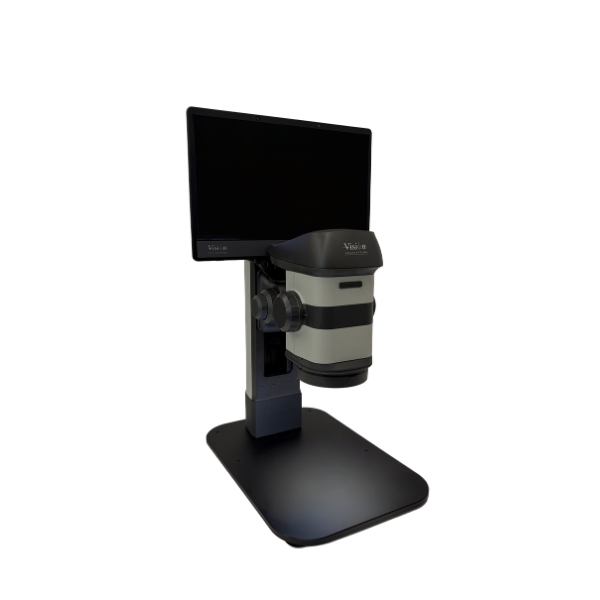
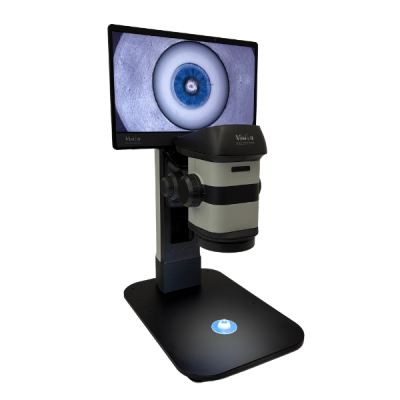
The ProteQ VISO delivers real depth but on a flat screen.
Advanced lenticular display technology with integrated eye tracking dynamically adjusts the viewing zones to maintain optimal stereo perception. The output is stable, flicker-free, stereoscopic depth without the need for polarised glasses.
Built for your workflow
ProteQ VISO 3D Digital Stereo Microscope
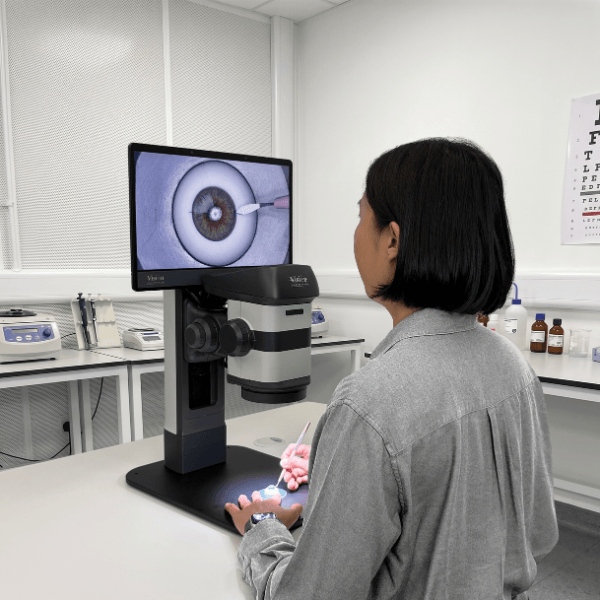
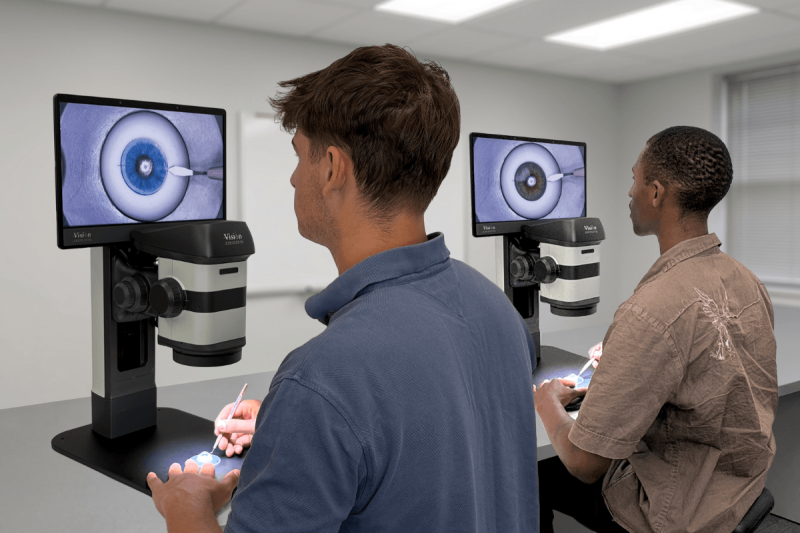
The ProteQ VISO desktop microscope gives a heads-up stereo image for simulated ocular surgery. The design improves operator comfort so trainees can work longer sessions with less fatigue. Trainees rehearse and refine cataract, corneal, glaucoma and retinal techniques.
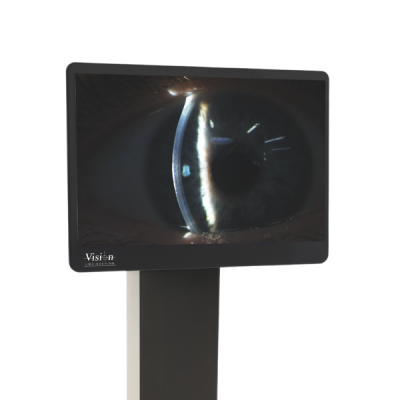
ProteQ VISO 3D Display
The flat-panel lenticular display integrates seamlessly with slit lamp and surgical microscopes, delivering an immersive glasses-free 3D viewing experience with a minimal footprint and simple, streamlined setup.
See the full range of applications on our Ophthalmology and ENT page.
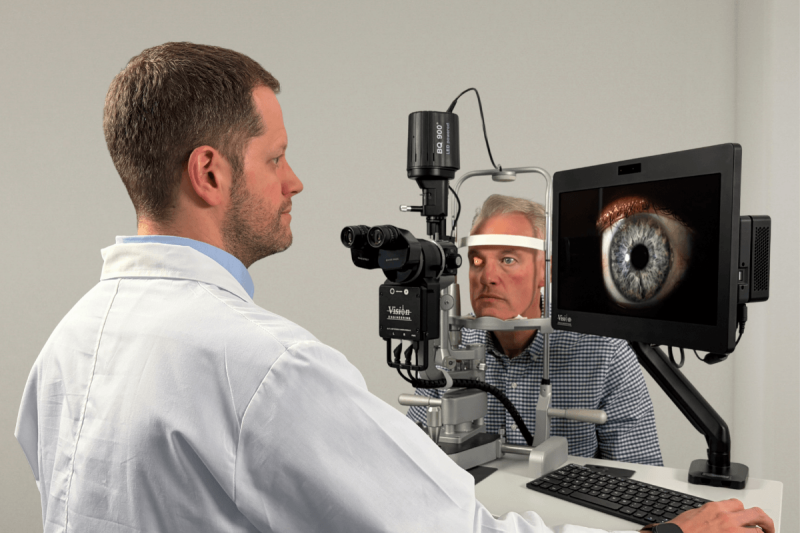
Stereo camera module Slit Lamp imaging
Vision Engineering’s stereo camera module sits in the optical path of the slit lamp. It outputs Full HD per channel stereo feed to ProteQ VISO over HDMI.
Eye tracking
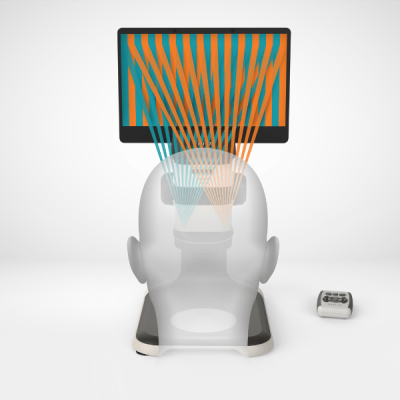
Built-in sensors follow your eye position and adjust the viewing zones as you move.
You get flicker-free depth across a long session, with no eyewear fatigue and no manual adjustment.
Glasses-free visualisation
A precision lenticular lens array projects a separate image to each eye. One for the left, one for the right.
Each shows the subject from a slightly different angle. This replicates natural stereo vision and removes the need for polarised glasses or headwear.
High quality video recording and playback
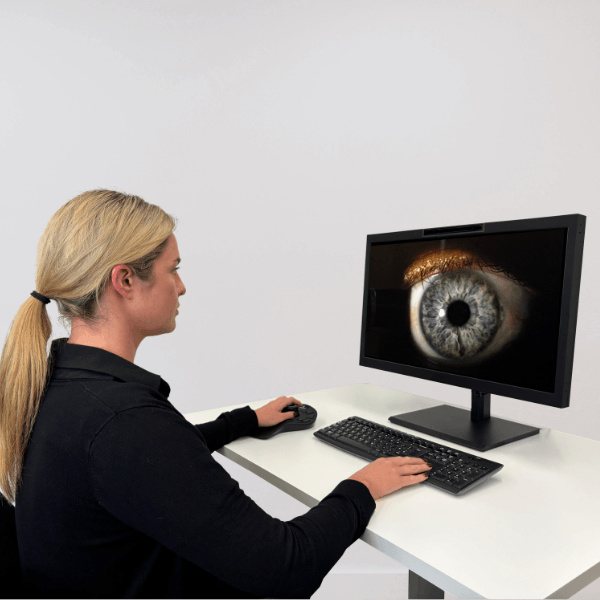
ProteQ VISO has an integrated, easy-to-use, PC controller with on board recording and playback functionality. Stereo images and video can be recorded and stored in side-by-side format for easy play back on the ProteQ VISO display or other 3D displays or in mono on a standard monitor.
One platform, multiple applications
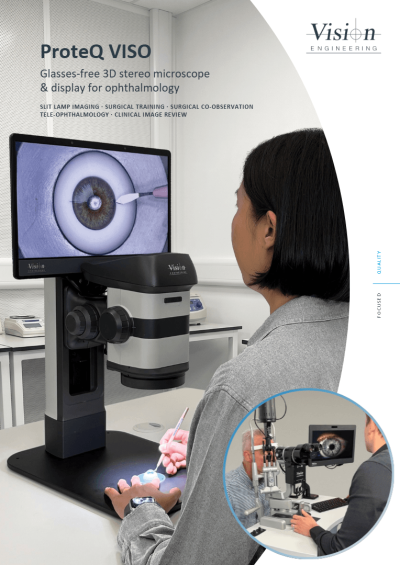
ProteQ VISO supports slit lamp imaging, surgical skills training, surgical co-observation and tele-ophthalmology across ophthalmology and ENT.
See the full range of applications on our Ophthalmology and ENT page.
Technical information
Get the full ProteQ VISO brochure. Fill in your details below.
Frequently asked questions
Below you can find some of the most common questions.
The ProteQ VISO features a 4K (3840 x 2160) native panel. The integrated stereo camera has 2x Full HD (1920 x 1080) outputs.
The ProteQ VISO can be connected to an external image source, such as a PC, if the source can provide 2x individual HDMI video sources. Alternatively, existing stereo media in a 3840 x 1080 format can be imported and viewed on the ProteQ VISO.
Yes, please contact us such that we can advise on the best solution to your individual needs.
The ProteQ VISO comes with an integrated PC, responsible for delivering the stereo image to the screen and ensuring a smooth, comfortable, transition of the stereo image as the user moves within the viewing envelope. The same PC can be used for recording and playing back stereo photos and video. The ProteQ VISO can be connected to an external image source, such as a PC, if the source can provide 2x individual HDMI video sources. Alternatively, existing stereo media in a 3840 x 1080 format can be imported and viewed on the ProteQ VISO.
The ProteQ VISO has integrated graphical processing and therefore does NOT impose additional requirements beside those required by the stereo software package in use. For software packages which require OpenGL quad buffered stereo support, any quad buffered stereo capable graphics card (eg NVIDIA Quadro) can be used with the ProteQ VISO by simply connecting the 2 video outputs of the workstation to the video inputs of the ProteQ VISO. For software packages that operate in dual screen mode, any graphics card capable to support two video outputs can be used with the ProteQ VISO.
Active shutter glasses technology suffers from flickering, crosstalk, and ghosting, which has been known to cause eye strain. ProteQ VISO delivers a brighter image with no flickering and no need of wearing polarisation glasses. NVIDIA “3D Vision” active shutter glasses and emitter are no longer supported by the manufacturer.
For applications where stereo 3D viewing is required, ProteQ VISO delivers a bright, high resolution stereo image at a comfortable viewing distance. ProteQ VISO doesn’t suffer from the problems associated with the use of VR goggles, such as, screen door effect, VR motion sickness, isolation, eye-strain, “welders neck”, hygiene. The advantage of not having to wear VR goggles also means the user can comfortably wear their prescription glasses, if needed, and retain their peripheral vision for easy reference to documents, instruments and colleagues.
Yes. ProteQ VISO allows you to use your prescription glasses and eliminates the need to wear additional polarisation glasses.
Yes. While the main user will see a stereo image, adjacent colleagues will see a mono equivalent.
No. ProteQ VISO is a stereo display which works out of the box. We also supply easy to follow assembly and operation documentation, as well as guidance on interfacing ProteQ VISO with other devices.
ProteQ VISO requires minimal setup as the stereo generating optics of ProteQ VISO are precisely factory aligned which ensures optimal stereo fusion from the outset. No in-use maintenance or adjustment of image alignment is necessary.
Yes, ProteQ VISO is supplied with a comprehensive user guide. Unpacking, assembly and handling instruction videos are also available.